Running your club website
This guide is for the people who keep a club's website up to date: news, teams, fixtures, sponsors and the pages around them. You don't need any technical knowledge. Every task is a few steps in the website's admin, and each guide shows you the screen you'll be looking at.
The pictures come from Riverside Volleyball Club, a made-up demo club. Your own site has your club's name, teams and colours, but the screens are the same.
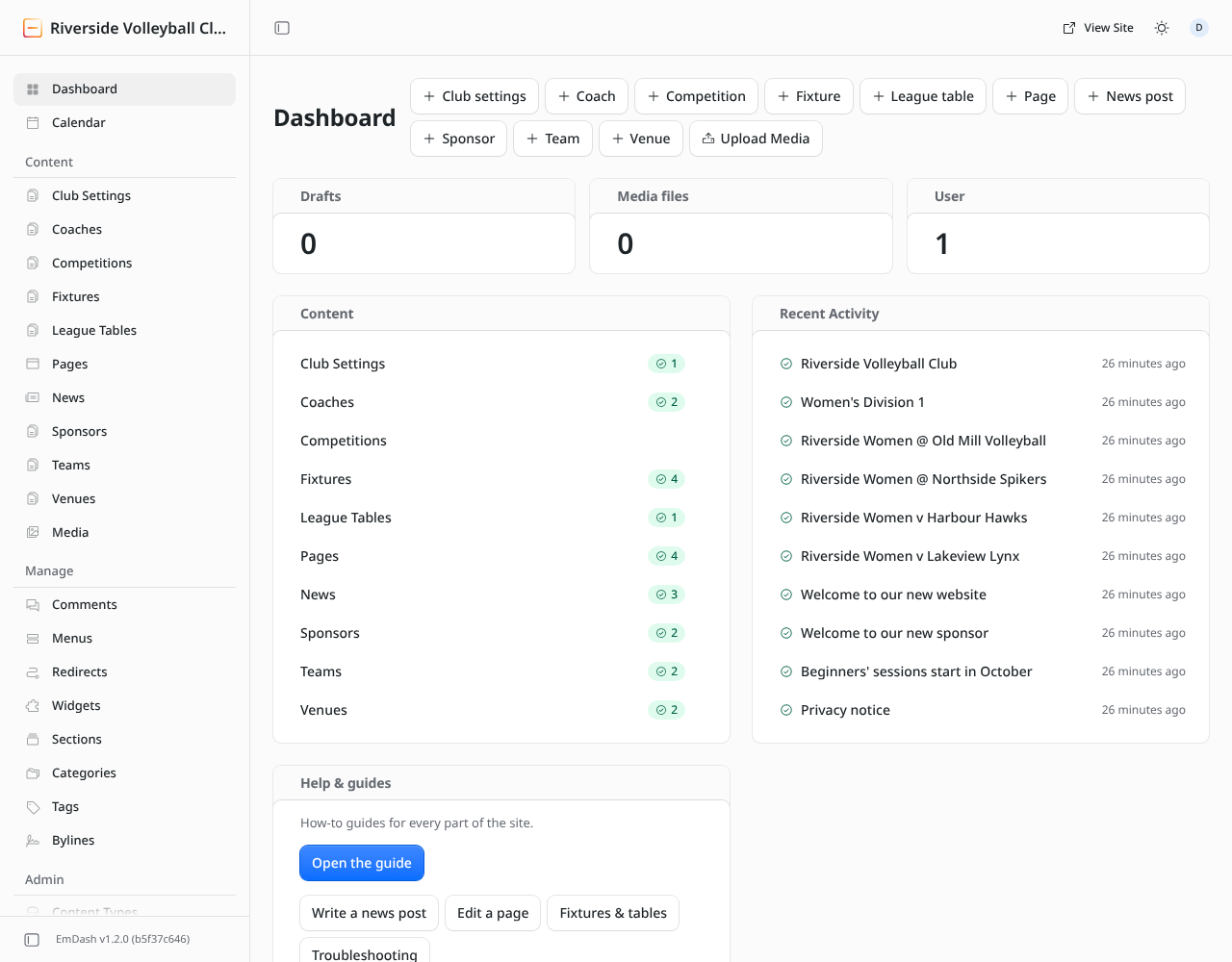
Where to start
- New to the site? Read Signing in, then Finding your way around.
- Posting news? News posts.
- Changing a page, like the home page or About? Pages and blocks.
- Fixtures or league tables look wrong? How fixtures and tables arrive.
- Something not working? Troubleshooting.
Help from inside the admin
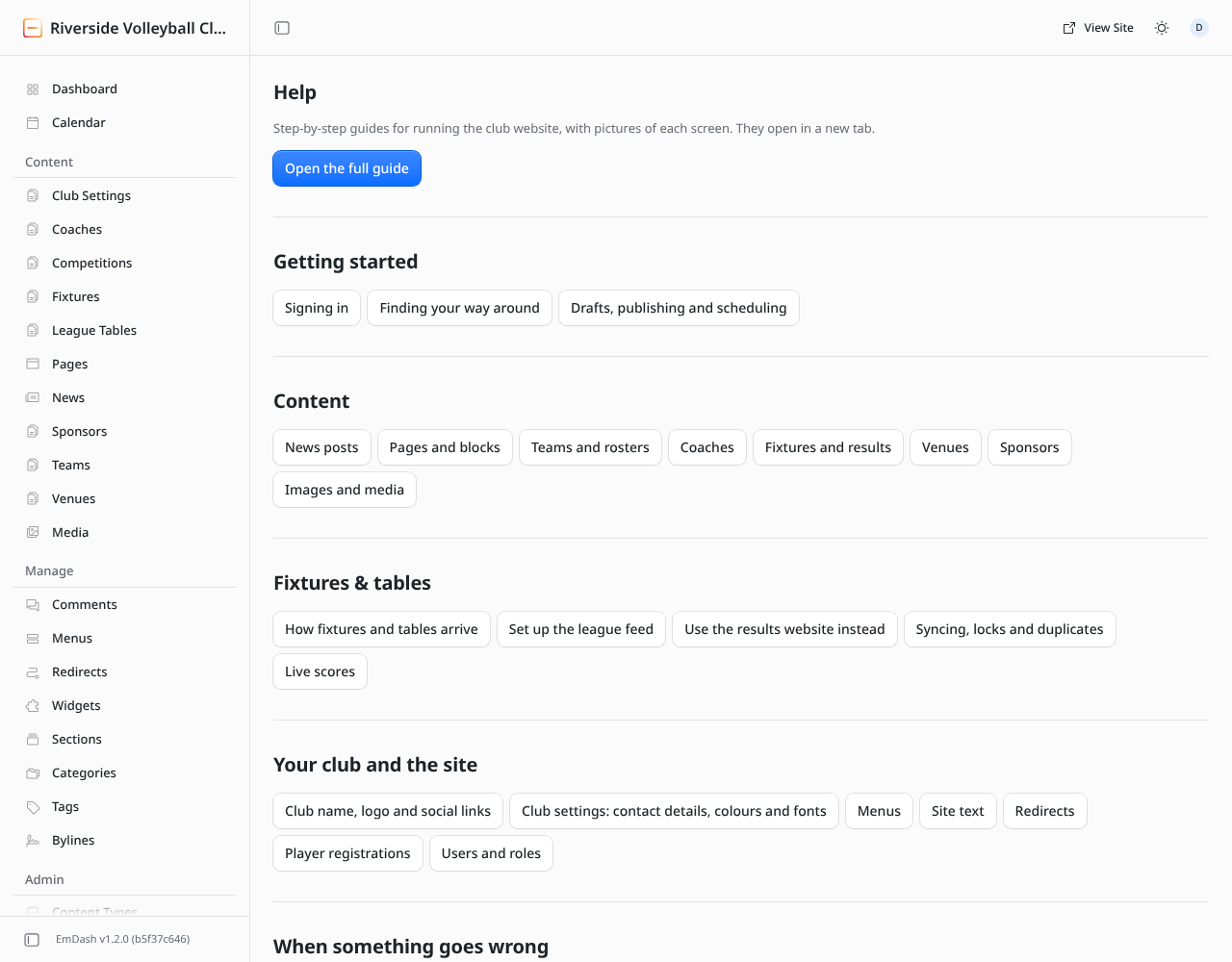
Every club site has a Help page at the bottom of the admin's left-hand menu, and a Help & guides box on the dashboard. Both open this guide in a new tab.
What the public sees
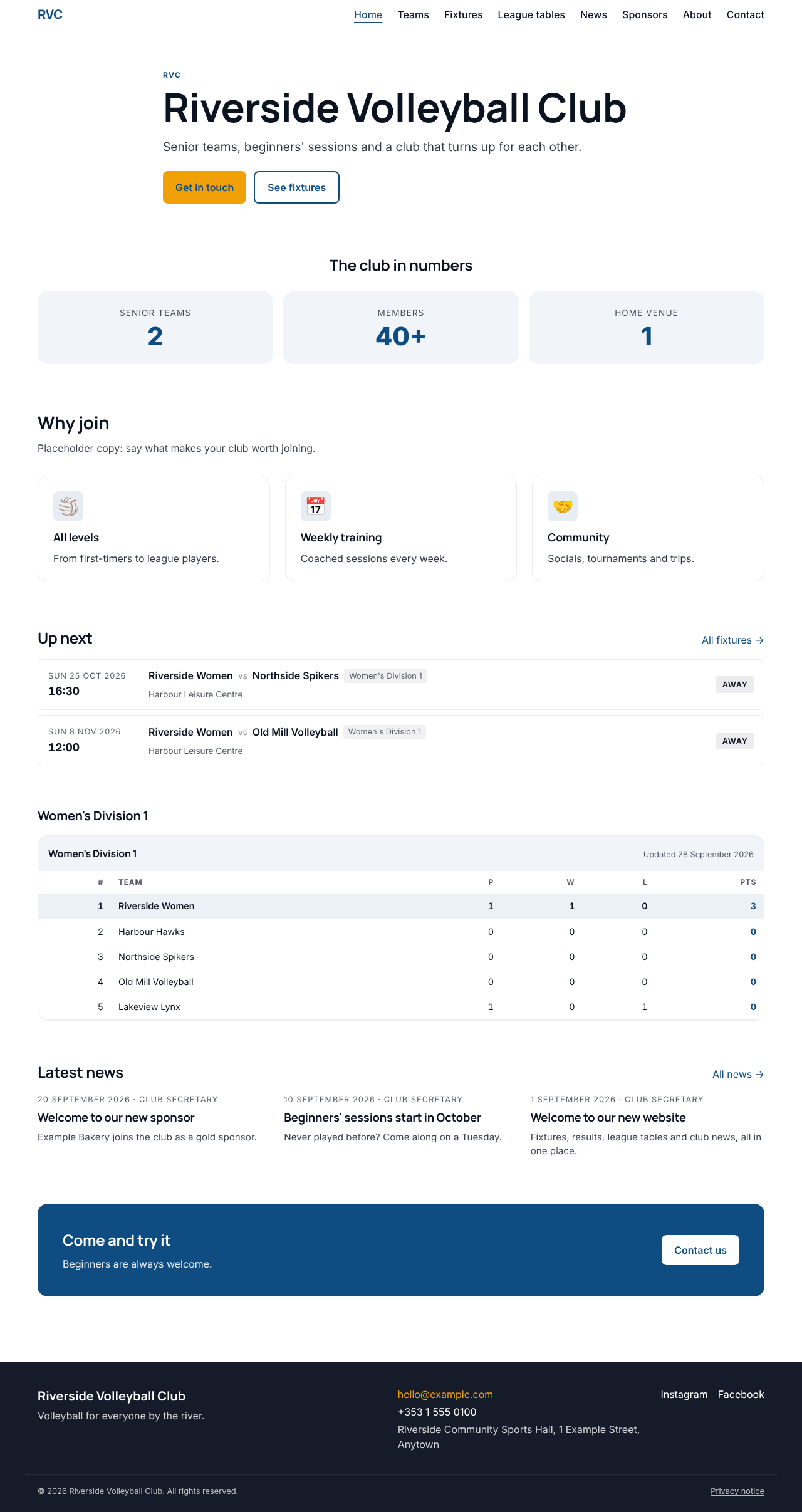
Everything you publish appears on the club's public website. This is the demo club's home page: