Site text
Besides what you write in posts and pages, the website has fixed wording: button labels, headings such as "Up next", form labels, error messages, and the emails the club receives from the website's forms. The Site text page lets you change any of it.
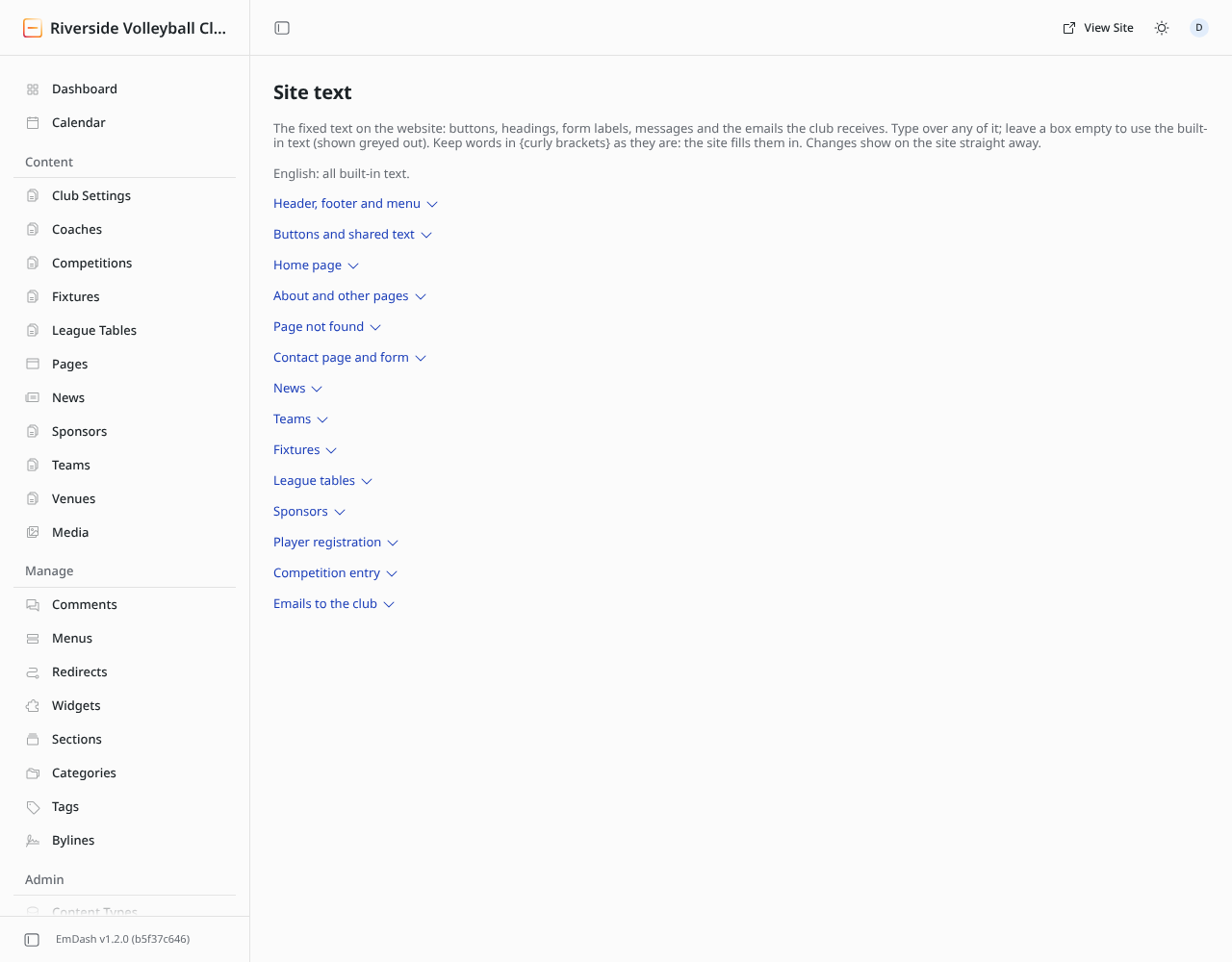
- Open Site text (left-hand menu, under Plugins).
- Click the section you want, e.g. Contact page and form.
- Each box shows the built-in text in grey. Type over it to replace it.
- Click Save at the bottom of the section.
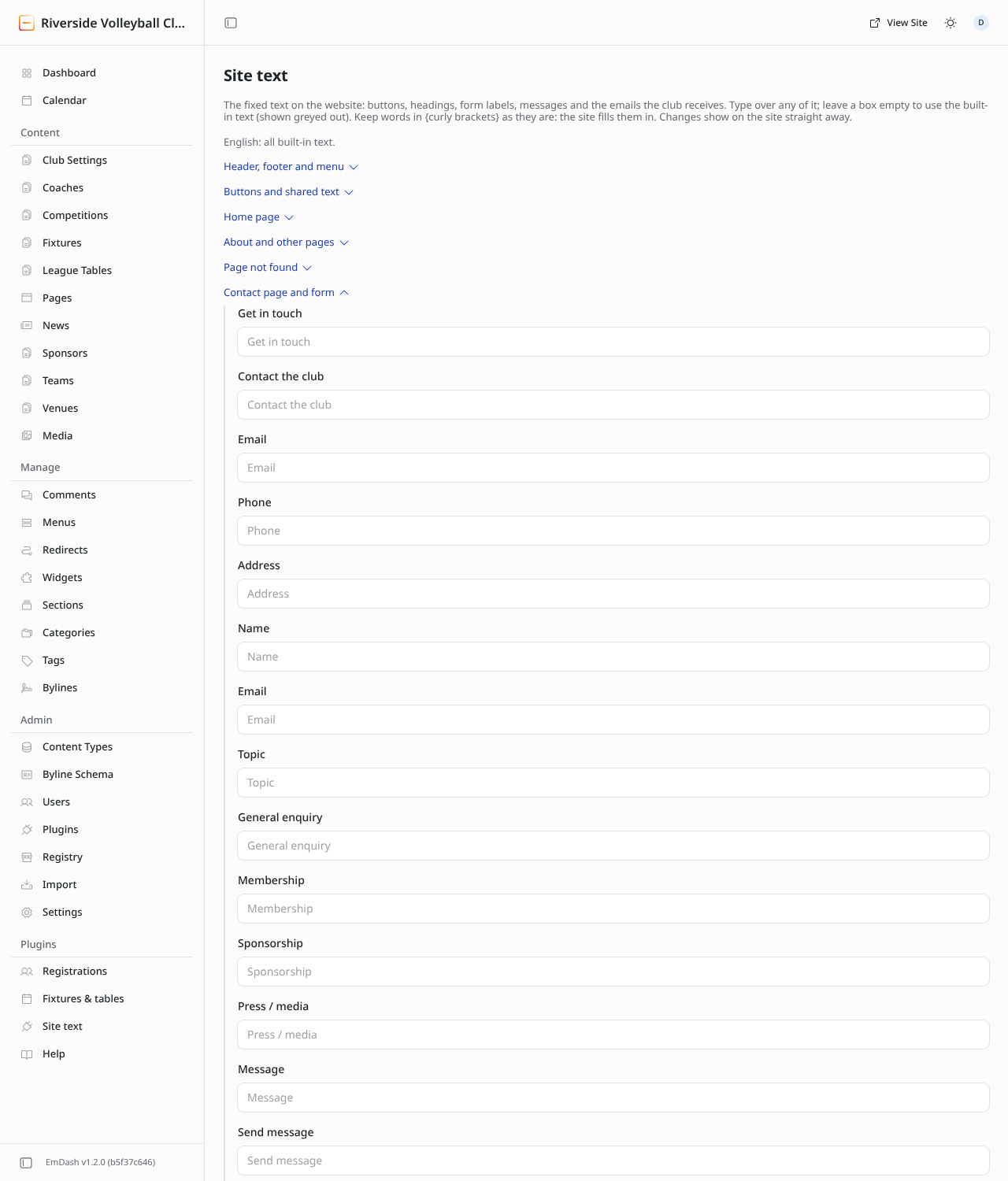
- Leave a box empty to use the built-in text. To undo a change, clear the box and save.
- Keep words in {curly brackets} exactly as they are, such as
{team}or{date}: the website fills them in. - Changes show on the site straight away.
If your site is in more than one language, the buttons at the top switch between them; each language has its own text.
Editors and administrators can change site text.